

Automating Hardware Troubleshooting Guides with Gemini AI


Launching new hardware is an unforgiving challenge where quick patches can’t save you from unpredictable real-world variables. Discover why launch day is just the beginning, and how mastering post-launch support is the true key to your product’s success.
The Challenge of Launching New Hardware
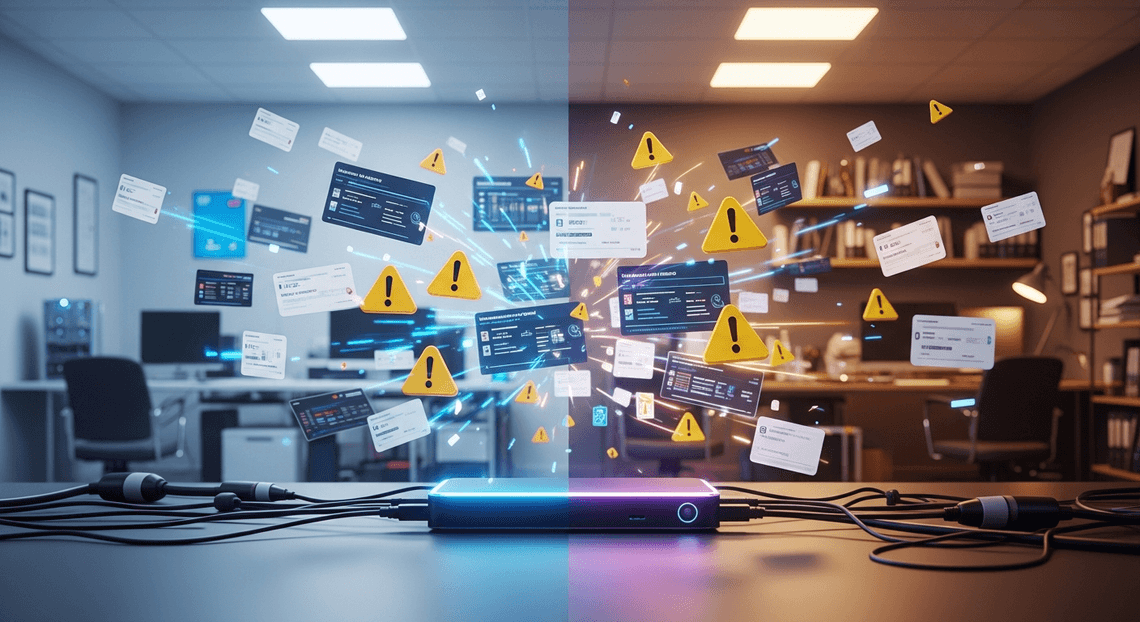
Bringing a new piece of hardware to market is a monumental undertaking that tests the limits of any engineering and support organization. Unlike software development—where a bug can be patched over the air via a swift CI/CD pipeline deployment—physical devices introduce a rigid, unforgiving reality. Once a product leaves the manufacturing floor and enters the wild, you lose direct control over its operating environment. Hardware launches are inherently fraught with friction, driven by unpredictable user setups, local network complexities, and physical component interactions. For product teams and IT support centers, launch day is not the finish line; it is the beginning of a massive operational hurdle. The true measure of a successful launch isn’t just whether the hardware works flawlessly in a controlled lab, but how effectively your organization can support it once it is unboxed by the end-user.
Overwhelming Support Ticket Volumes
The immediate aftermath of a hardware launch is almost universally characterized by a massive, sudden spike in support requests. The moment devices are powered on, IT Service Management (ITSM) queues begin to flood. Users inevitably encounter a myriad of friction points: unexpected connectivity drops, power cycling failures, confusing LED error codes, or simply a misunderstanding of the initial setup sequence.
For customer support and IT teams, this sudden influx can be paralyzing. Tier 1 agents find themselves bombarded with repetitive, time-consuming questions. This leads to bottlenecked ticketing queues, deeply frustrated customers, and severely degraded Mean Time to Resolution (MTTR) metrics. When your support infrastructure is overwhelmed by the sheer scale of inquiries, SLA breaches become inevitable. The volume makes it nearly impossible for human agents to manually sift through static documentation, identify the specific hardware iteration, and provide timely, accurate solutions without experiencing rapid burnout.
Bridging the Technical Gap for Customers
Complicating the sheer volume of tickets is the vast disparity in technical literacy across your user base. On one end of the spectrum, you have tech-savvy power users who want deep-dive diagnostic logs and API access; on the other, you have everyday consumers who simply need to know which cable plugs into which port.
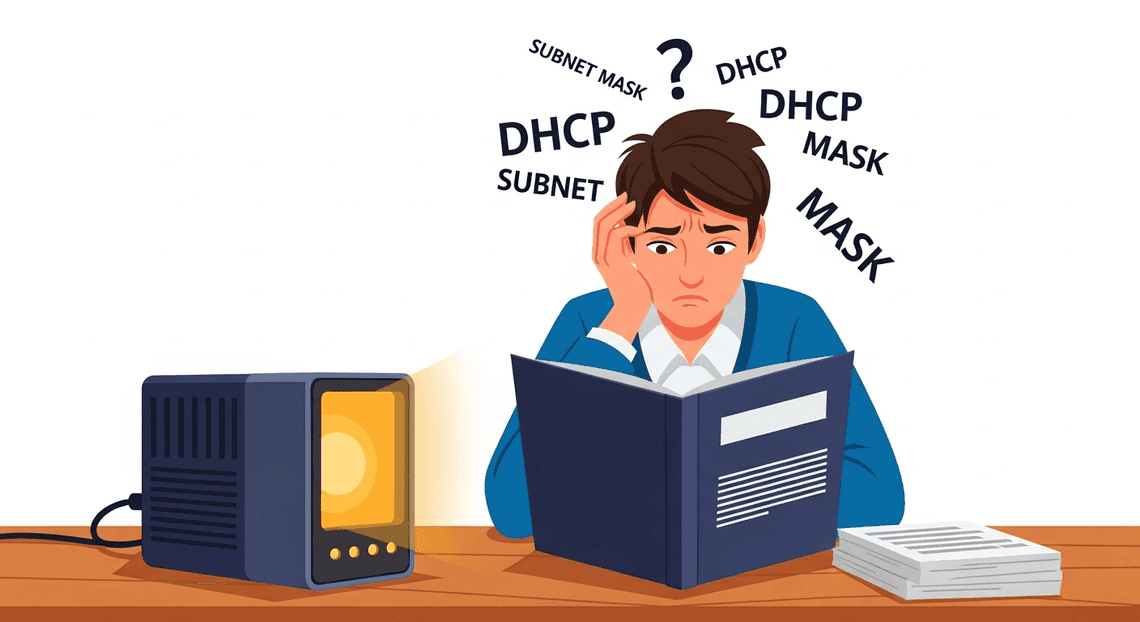
Traditional hardware manuals and static FAQ pages fail miserably at bridging this gap. Often drafted by the very engineers who designed the product, these documents tend to be dense, jargon-heavy, and completely alienating to the average user. When a customer encounters a blinking amber light indicating a “DHCP allocation failure,” instructing them to “reconfigure their subnet mask” is entirely counterproductive.
Transforming Tech Specs into Customer Education
If you have ever stared blankly at a hardware manufacturer’s manual, you already know the fundamental disconnect in technical support: hardware specifications are written by engineers, for engineers. They are dense repositories of schematics, voltage requirements, hexadecimal error codes, and diagnostic LED flash patterns. However, when a customer’s device fails, they do not want a lesson in electrical engineering; they want a quick, understandable path to resolution.
This is where Gemini AI shines as a transformative tool in cloud engineering and support operations. By leveraging the massive context windows and advanced reasoning capabilities of models hosted on Google Cloud’s Building Self Correcting Agentic Workflows with Vertex AI, we can build automated pipelines that ingest raw, unyielding technical data and output accessible, user-friendly educational content.
Translating Complex Data into Plain English
The process of converting raw hardware data into digestible troubleshooting guides requires more than simple keyword replacement—it requires deep contextual understanding. With Gemini 1.5 Pro’s expansive context window, you can feed the model hundreds of pages of product manuals, JSON files containing telemetry data, and internal engineering wikis all at once.
Gemini acts as an intelligent intermediary. It can parse a dense diagnostic log—for example, recognizing that a SYS_ERR_0x4A_THERMAL code combined with a specific motherboard revision means the primary cooling fan has failed. Instead of surfacing that raw data to the user, Gemini can be prompted to generate a step-by-step, jargon-free guide.
As a cloud engineer, you can design your Vertex AI prompts to enforce strict formatting and readability standards. For instance, you can instruct the model to:
-
Extract the root cause: Identify the exact hardware failure from the provided spec sheet.
-
Simplify the terminology: Replace terms like “actuate the secondary retention clip” with “press the small plastic tab on the side.”
-
Structure for readability: Output the resolution in bulleted, chronological steps using Markdown, making it instantly ready for deployment to your Automatically create new folders in Google Drive, generate templates in new folders, fill out text automatically in new files, and save info in Google Sheets environment, such as a Google Sites help center or a shared Google Doc.
By automating this translation layer, you eliminate the bottleneck of having technical writers manually decipher engineering notes, ensuring that your customer-facing documentation is always as up-to-date as your latest hardware release.
Maintaining an Empathetic and Helpful Tone
Accuracy is only half the battle in hardware troubleshooting; the other half is user experience. A customer consulting a troubleshooting guide is often frustrated, stressed, or facing a time-sensitive crisis. A cold, robotic list of instructions can exacerbate this frustration. One of the most powerful features of Gemini AI is its nuanced grasp of natural language and persona adoption.
Through carefully crafted system instructions, you can dictate the exact emotional resonance of your automated guides. You are not just programming an AI to provide answers; you are programming it to act as a patient, reassuring support agent.
Consider the difference in output when you apply a specific persona prompt in Vertex AI:
Without Tone Instruction:
“Error 4042 detected. Power cycle the router. If the LED remains red, the internal modem is bricked. Contact RMA.”
With Empathy Instruction (e.g., “Act as a patient, reassuring technical support specialist who understands the user’s frustration”):
“It looks like your router is having trouble connecting to the network, which we know can be incredibly frustrating when you need to get online. Let’s try a quick restart together. Unplug the power cable, wait for about 30 seconds, and plug it back in. If that red light stays on, don’t worry—your device might just need a replacement, and we can easily set that up for you.”
By embedding these tone guidelines directly into your generative AI pipelines, you ensure that every piece of automated documentation feels human. This empathetic approach reduces customer anxiety, lowers the likelihood of angry escalations to your live support tiers, and ultimately builds stronger brand trust—all while scaling effortlessly on Google Cloud infrastructure.
Building the Automated Job Creation in Jobber from Gmail Workflow
To transform our conceptual architecture into a functional, automated pipeline, we need a robust execution environment. AI Powered Cover Letter Automation Engine serves as the perfect serverless glue for this task, allowing us to seamlessly bridge external APIs with the internal AC2F Streamline Your Google Drive Workflow ecosystem. By writing a few targeted functions, we can orchestrate the entire lifecycle of a hardware troubleshooting guide—from the initial AI prompt to a neatly formatted, easily accessible document.
Leveraging Gemini Pro for Content Generation
The core intelligence of our workflow is powered by Gemini Pro. To generate accurate, structured, and context-aware hardware troubleshooting steps, we need to interface with the Gemini API using Apps Script’s UrlFetchApp service.
The success of this integration relies heavily on Prompt Engineering for Reliable Autonomous Workspace Agents. When constructing the payload, we must provide Gemini Pro with a clear persona, the specific hardware model, and the reported issue. By instructing the model to return the response in a structured format (like Markdown), we ensure the resulting guide is highly readable for IT support staff.
Here is how you can structure the API call within Genesis Engine AI Powered Content to Video Production Pipeline to generate the content:
function generateTroubleshootingGuide(deviceModel, reportedIssue) {

// Securely retrieve your API key from Script Properties

const apiKey = PropertiesService.getScriptProperties().getProperty('GEMINI_API_KEY');

const endpoint = `https://generativelanguage.googleapis.com/v1beta/models/gemini-pro:generateContent?key=${apiKey}`;

// Craft a highly specific prompt for the AI

const prompt = `You are an expert Level 3 IT Hardware Technician.

Create a comprehensive, step-by-step troubleshooting guide for the following hardware: ${deviceModel}.

The reported issue is: "${reportedIssue}".

Include safety precautions, required tools, and sequential diagnostic steps. Format the output clearly.`;

const payload = {

"contents": [

{

"parts": [{ "text": prompt }]

}

]

};

const options = {

"method": "post",

"contentType": "application/json",

"payload": JSON.stringify(payload),

"muteHttpExceptions": true

};

try {

const response = UrlFetchApp.fetch(endpoint, options);

const data = JSON.parse(response.getContentText());

if (data.error) {

throw new Error(`API Error: ${data.error.message}`);

}

// Extract and return the generated text

return data.candidates[0].content.parts[0].text;

} catch (error) {

Logger.log(`Failed to generate guide: ${error}`);

return null;

}

}
This function dynamically constructs the request payload, handles the HTTP POST request to the Gemini endpoint, and parses the JSON response to extract the raw troubleshooting text.
Integrating DocsApp and DriveApp for Seamless Storage
Generating the troubleshooting guide is only half the battle; the content must be stored where the IT team can actually use it. This is where Automated Client Onboarding with Google Forms and Google Drive.’s native Apps Script services—DocumentApp (often referred to as DocsApp in legacy contexts) and DriveApp—come into play.
We will use DocumentApp to programmatically create a new Google Doc and inject the Gemini-generated text into it. However, by default, Apps Script creates new documents in the root directory of the user’s Google Drive. To maintain an organized Knowledge Base, we must utilize DriveApp to locate the newly created file and move it into a designated, shared IT documentation folder.
The following script demonstrates this seamless handoff from AI generation to Workspace storage:
function saveGuideToWorkspace(deviceModel, guideContent) {

if (!guideContent) {

Logger.log("No content provided to save.");

return;

}

// 1. Create a new Google Doc using DocumentApp

const docTitle = `Hardware Guide: ${deviceModel} Troubleshooting`;

const doc = DocumentApp.create(docTitle);

const body = doc.getBody();

// 2. Insert the Gemini-generated content into the document

body.insertParagraph(0, guideContent);

// Apply some basic formatting to the title

const titleStyle = {};

titleStyle[DocumentApp.Attribute.HEADING] = DocumentApp.ParagraphHeading.HEADING1;

body.getParagraphs()[0].setAttributes(titleStyle);

// Save and close the document to flush changes

doc.saveAndClose();

// 3. Route the document to the correct folder using DriveApp

const fileId = doc.getId();

const file = DriveApp.getFileById(fileId);

// Replace with your actual IT Knowledge Base Folder ID

const targetFolderId = PropertiesService.getScriptProperties().getProperty('KB_FOLDER_ID');

const targetFolder = DriveApp.getFolderById(targetFolderId);

// Move the file to the target folder

file.moveTo(targetFolder);

Logger.log(`Successfully created and routed guide: ${file.getUrl()}`);

return file.getUrl();

}
By combining these two functions, you create a fully automated pipeline. A trigger (such as a Google Form submission from a technician reporting an undocumented issue) can invoke the Gemini API, generate a highly technical troubleshooting guide, and instantly publish it to the correct Google Drive folder as a formatted Google Doc. This eliminates manual documentation bottlenecks and ensures your hardware support team always has access to standardized, AI-assisted diagnostic steps.
Step by Step Implementation Guide
Translating the concept of AI-driven hardware troubleshooting into a production-ready system requires a systematic approach. By leveraging the Google Cloud ecosystem—specifically Vertex AI and the Gemini models—we can build a robust pipeline that ingests raw hardware data and outputs actionable, highly accurate support guides. Let’s walk through the technical implementation required to get this automated workflow off the ground.
Feeding Device Specifications to the AI
Hardware specifications, OEM manuals, and schematic diagrams are notoriously dense. Historically, parsing this data required complex OCR pipelines and brittle text-extraction scripts. With Gemini 1.5 Pro on Vertex AI, we can leverage its massive context window (up to 2 million tokens) and native multimodal capabilities to ingest entire hardware manuals directly, whether they are text, PDFs, or images of circuit boards.
The first step in our pipeline is establishing a secure ingestion point using Google Cloud Storage (GCS). When a new hardware manual or specification sheet is released, it is uploaded to a designated GCS bucket. From there, we can pass the document’s URI directly to the Gemini model along with a carefully engineered system prompt.
Here is how you can programmatically feed a massive hardware manual to Gemini using the Vertex AI JSON-to-Video Automated Rendering Engine SDK:
import vertexai

from vertexai.generative_models import GenerativeModel, Part

# Initialize Vertex AI with your Google Cloud Project and Location

vertexai.init(project="your-gcp-project-id", location="us-central1")

# Load the Gemini 1.5 Pro model, ideal for large context and complex reasoning

model = GenerativeModel("gemini-1.5-pro-preview-0409")

# Reference the hardware manual stored securely in Google Cloud Storage

hardware_manual = Part.from_uri(

uri="gs://your-hardware-specs-bucket/server-model-x900-manual.pdf",

mime_type="application/pdf"

)

# Define the prompt instructing the AI on its role

prompt = """

You are an expert Level 3 Hardware Support Engineer.

Analyze the attached hardware manual. Extract all known error codes,

LED diagnostic light patterns, and their corresponding hardware failures.

"""

# Generate the response

response = model.generate_content([hardware_manual, prompt])
By passing the document directly via GCS, we bypass the need to chunk the text or manage vector databases for this initial extraction phase. Gemini reads the entire manual, comprehends the spatial relationships in the PDF diagrams, and holds the complete device specification in its context.
Structuring the Output for Support Teams
Extracting the data is only half the battle; if the AI returns a giant wall of unstructured text, it is virtually useless to a busy IT helpdesk. To automate troubleshooting guides effectively, the output must be highly structured, predictable, and ready to be ingested by downstream systems like Automated Discount Code Management System (e.g., automatically generating Google Docs) or ITSM platforms (like Jira Service Management or ServiceNow).
To achieve this, we utilize Gemini’s Structured Output capabilities. By enforcing a strict JSON schema, we can dictate exactly how the AI formats the troubleshooting steps. A well-structured guide should include the symptom, the root cause, safety warnings (crucial for hardware), and a sequential list of remediation steps.
We can modify our Vertex AI API call to enforce a JSON response using response_mime_type and a defined schema:
from vertexai.generative_models import GenerationConfig

# Define the exact JSON structure required for the Support Team's portal

troubleshooting_schema = {

"type": "ARRAY",

"items": {

"type": "OBJECT",

"properties": {

"error_code": {"type": "STRING", "description": "The exact error code or LED pattern"},

"symptom": {"type": "STRING", "description": "User-facing symptom"},

"root_cause": {"type": "STRING", "description": "Underlying hardware failure"},

"safety_warning": {"type": "STRING", "description": "Electrical or physical safety warnings before proceeding"},

"resolution_steps": {

"type": "ARRAY",

"items": {"type": "STRING"},

"description": "Step-by-step instructions to replace or fix the component"

}

},

"required": ["error_code", "symptom", "root_cause", "resolution_steps"]

}

}

generation_config = GenerationConfig(

response_mime_type="application/json",

response_schema=troubleshooting_schema,

temperature=0.1 # Low temperature for highly deterministic, factual output

)

# Generate the structured JSON guide

structured_response = model.generate_content(

[hardware_manual, "Generate a complete troubleshooting guide based on the schema."],

generation_config=generation_config

)
Once the AI returns this perfectly formatted JSON payload, your Cloud Engineering options are vast. You can trigger a Cloud Function that uses the Automated Email Journey with Google Sheets and Google Analytics APIs to instantly format this JSON into a beautifully styled Google Doc, complete with corporate branding, and share it with the support team’s Google Group. Alternatively, you can feed this structured data directly into a Google Chat bot, allowing field technicians to query error codes from their mobile devices and receive immediate, step-by-step remediation instructions derived directly from the manufacturer’s specs.
Scaling Your Support Architecture
When transitioning from static, manual hardware troubleshooting guides to a dynamic, AI-driven model, your underlying infrastructure must be robust enough to handle fluctuating workloads. Leveraging Google Cloud’s ecosystem ensures that your Gemini-powered support architecture scales effortlessly, whether you are supporting a handful of enterprise devices or millions of consumer electronics.
By deploying your AI middleware on serverless compute platforms like Google Cloud Run or Cloud Functions, your system can automatically scale down to zero during off-peak hours to optimize costs, and instantly scale up to handle thousands of concurrent queries during a major hardware rollout or an unexpected firmware outage. Furthermore, utilizing Vertex AI allows you to manage, tune, and scale your Gemini model endpoints securely. You can ground the AI using Vertex AI Search, connecting it directly to your massive repository of hardware manuals, schematics, and historical support logs stored securely in Cloud Storage.
This architecture not only guarantees high availability but also integrates natively with Automated Google Slides Generation with Text Replacement. Support agents can query Gemini directly from Google Chat, or pull automated, step-by-step troubleshooting summaries into Google Docs, creating a frictionless, highly scalable workflow that grows seamlessly alongside your hardware catalog.
Measuring the Impact on Ticket Resolution
A scalable cloud architecture is only as valuable as the operational results it delivers. To truly validate the ROI of your Gemini AI integration, you must establish a data-driven feedback loop. By piping your support metrics into Google BigQuery, you can analyze the tangible effects of AI-assisted hardware troubleshooting in real-time.
To gauge the effectiveness of your new system, focus on tracking these key performance indicators:
-
Mean Time to Resolution (MTTR): Watch this metric plummet as Gemini instantly surfaces the correct diagnostic steps and wiring diagrams, eliminating the need for agents to manually dig through hundreds of pages of PDF manuals.
-
First Contact Resolution (FCR): With highly accurate, context-aware AI responses, agents can accurately diagnose and solve complex hardware faults on the very first interaction.
-
Ticket Deflection Rate: By exposing a Gemini-powered interface directly to end-users for Tier-1 hardware issues (e.g., “How do I factory reset my router?” or “What does a blinking red fault LED mean?”), you can significantly reduce the volume of routine tickets reaching human agents.
Visualizing these metrics through Looker dashboards empowers support managers to identify recurring hardware defects early, track agent adoption rates, and continuously refine the AI’s grounding data for ever-improving performance.
Book a Discovery Call with Vo Tu Duc
Ready to transform your hardware support workflows with generative AI? Every organization’s infrastructure, security requirements, and hardware ecosystem are unique, requiring a tailored approach to cloud engineering and AI integration.
Whether you need help architecting a secure Vertex AI pipeline, integrating Gemini into your existing ITSM platform, or optimizing your Automated Order Processing Wordpress to Gmail to Google Sheets to Jobber environment to empower your support teams, expert guidance is the first step. Book a discovery call with Vo Tu Duc to discuss your specific operational challenges. Together, we can map out a custom, scalable Google Cloud architecture that turns your static troubleshooting guides into a dynamic, AI-powered support engine.


Stop Doing Manual Work. Scale with AI.
Want to turn these blog concepts into production-ready reality for your team?
Table Of Contents
Portfolios
Related Posts
Quick Links
Legal Stuff