

Building a Real Time OEE Dashboard with AppSheet BigQuery and Looker Studio


Stop relying on yesterday’s data to solve today’s manufacturing challenges. Discover why real-time Overall Equipment Effectiveness (OEE) visibility is no longer a luxury, but a critical mandate to minimize downtime and maximize yield.
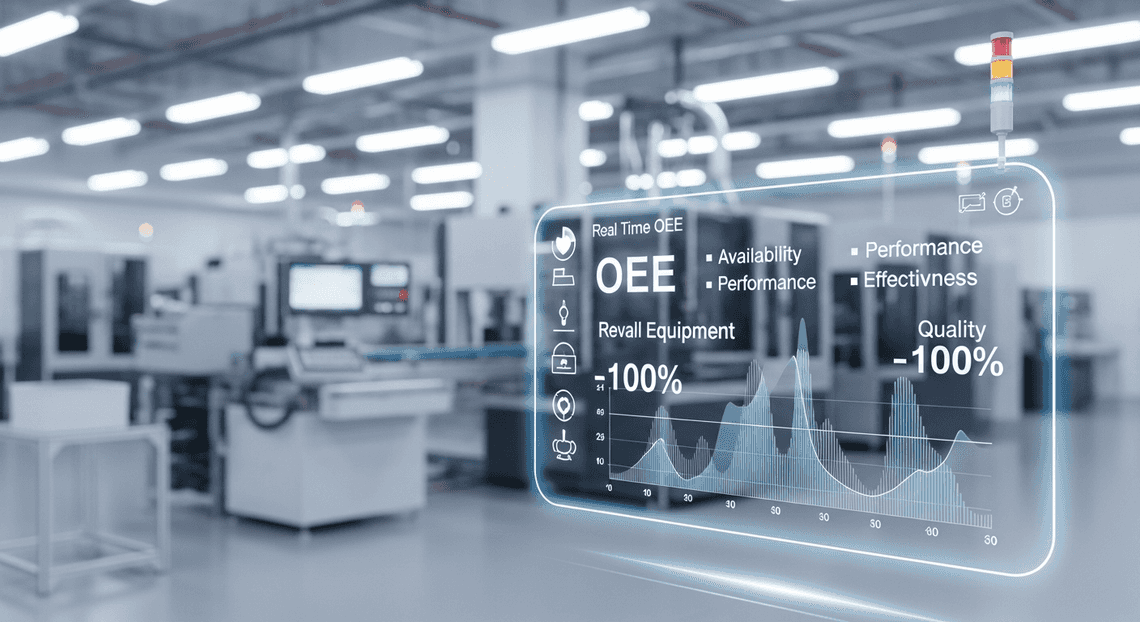
The Critical Need for Real Time OEE Visibility
Overall Equipment Effectiveness (OEE) has long been the gold standard for measuring manufacturing productivity. By multiplying Availability, Performance, and Quality, OEE provides a single, comprehensive percentage that reveals how truly productive a manufacturing facility is. However, knowing your OEE is only half the battle; the velocity at which you acquire that knowledge dictates your ability to act on it. In today’s hyper-competitive industrial landscape, reviewing yesterday’s OEE scores during tomorrow’s morning stand-up is no longer sufficient. To minimize downtime, reduce waste, and maximize yield, plant managers and cloud engineers must collaborate to bring OEE out of the past and into the present. Real-time visibility is not just a technological luxury—it is a critical operational mandate.
Identifying Bottlenecks in Traditional Production Tracking
To understand the necessity of real-time OEE, we must first examine the inherent flaws of traditional production tracking. Historically, manufacturing environments have relied on highly manual, disconnected processes to capture operational data. Operators log machine states, scrap counts, and production tallies on paper clipboards or whiteboards. At the end of a shift, a supervisor manually transcribes this data into a local spreadsheet, which is then emailed to management or uploaded to an on-premise database.
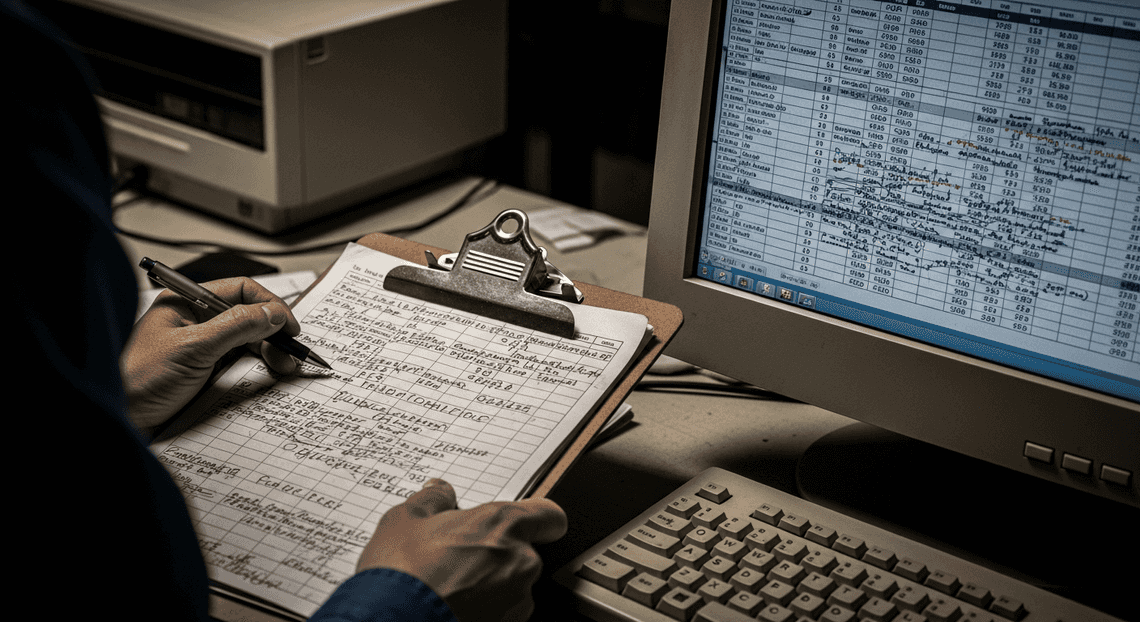
This legacy approach introduces several severe bottlenecks:
-
Data Latency: The most glaring issue is the time gap between an event occurring and management becoming aware of it. If a critical machine begins experiencing micro-stops or a sudden drop in product quality at 9:00 AM, but the data isn’t aggregated until the 5:00 PM shift change, the facility suffers eight hours of unmitigated losses.
-
Human Error and Inaccuracy: Manual data entry is notoriously prone to errors. Illegible handwriting, transposed numbers, and “guesstimated” downtime durations skew the underlying data, leading to inaccurate OEE calculations that obscure the true root causes of inefficiency.
-
Information Silos: Traditional tracking often results in fragmented data. Maintenance teams might use one legacy system to track repairs, while quality control uses another, and production uses spreadsheets. Without a centralized data warehouse, correlating a drop in machine performance with a specific maintenance event becomes a frustrating, time-consuming forensic exercise.
Ultimately, traditional tracking forces a reactive culture. Teams are constantly fighting fires that have already burned through valuable production time, rather than preventing them from sparking in the first place.
How Real Time Data Drives Operational Excellence
Transitioning from batch-processed historical reporting to real-time data streaming fundamentally transforms how a manufacturing floor operates. Operational Excellence is rooted in the philosophy of continuous improvement, and continuous improvement requires continuous, accurate feedback.
When OEE data is captured and processed in real time, it acts as a live nervous system for the factory floor. Here is how real-time data actively drives operational excellence:
-
Immediate Course Correction: With a live data pipeline, a sudden dip in the “Quality” or “Performance” metrics of the OEE calculation triggers immediate visibility. Supervisors can dispatch maintenance or adjust machine parameters the moment a threshold is breached, drastically reducing scrap rates and preventing minor issues from cascading into catastrophic equipment failures.
-
Empowering the Frontline Worker: Real-time systems democratize data. When operators have access to live dashboards, they can see the direct impact of their actions on production goals. This fosters a culture of ownership and accountability, allowing operators to proactively manage their stations rather than waiting for top-down instructions.
-
Dynamic Resource Allocation: Real-time visibility allows plant managers to make agile decisions. If a bottleneck forms at a specific routing step, management can instantly see the constraint and dynamically reallocate labor or route materials to alternative machines to keep the overall production flow balanced.
-
Foundation for Predictive Analytics: You cannot build predictive models on stale, fragmented data. By establishing a real-time data flow—capturing high-fidelity, timestamped events—organizations lay the groundwork for advanced machine learning. Over time, this data allows teams to transition from reactive troubleshooting to predictive maintenance, anticipating equipment failures before they impact the OEE Availability score.
By eliminating data latency, organizations shift from a posture of looking in the rearview mirror to looking through the windshield. This proactive stance is the essence of operational excellence, and as we will explore, modern cloud architectures make achieving this real-time state more accessible than ever before.
Architecting the Solution The Modern Data Stack
To calculate Overall Equipment Effectiveness (OEE) in real-time, you need an architecture that bridges the physical gap between the factory floor and the executive boardroom. Legacy manufacturing systems often rely on fragmented data silos, paper-based shift logs, or on-premises databases that make real-time analytics nearly impossible. By leveraging the Google Cloud and Automatically create new folders in Google Drive, generate templates in new folders, fill out text automatically in new files, and save info in Google Sheets ecosystems, we can build a serverless, highly scalable modern data stack.
This architecture relies on three distinct pillars: data ingestion at the edge, centralized analytical storage, and dynamic visualization. Together, they create a seamless pipeline that transforms raw shift metrics into actionable manufacturing intelligence.
AI-Powered Invoice Processor for Seamless Shift Data Collection
The weakest link in any OEE calculation is often the initial data capture. If operators find it difficult to log downtime, scrap counts, or production runs, data quality plummets. This is where AMA Patient Referral and Anesthesia Management System shines as the ingestion layer of our modern data stack.
As Google’s premier no-code application platform, AppSheetway Connect Suite allows cloud engineers to rapidly deploy custom, mobile-friendly applications directly to the rugged tablets or smartphones used by operators on the shop floor. For our OEE solution, OSD App Clinical Trial Management provides several critical engineering advantages:
-
Offline Capabilities: Factory floors are notorious for Wi-Fi dead zones. AppSheet applications can run offline, caching shift data locally and automatically syncing to the cloud the moment a connection is re-established, ensuring zero data loss.
-
Data Validation and Standardization: Through dynamic dropdowns, barcode scanning, and required fields, the app forces standardized inputs. Operators can quickly select specific downtime reason codes (e.g., “Motor Fault,” “Material Shortage”) rather than relying on messy free-text entries.
-
Direct Cloud Integration: AppSheet natively integrates with Google Cloud infrastructure. When an operator hits “Submit” on a shift report, the payload is securely and instantly routed to our backend, eliminating the need for manual batch uploads or complex middleware.
BigQuery as the Centralized Data Warehouse
Once the shift data is captured, it requires a robust, scalable home capable of handling complex analytical workloads. Google BigQuery serves as the centralized data warehouse and the computational brain of our OEE architecture.
BigQuery is a fully managed, serverless enterprise data warehouse that excels at processing massive datasets in milliseconds. In the context of our OEE dashboard, BigQuery does the heavy lifting:
-
The Single Source of Truth: BigQuery ingests the raw transactional data from AppSheet—such as planned production time, actual run time, total units produced, and defective units. It consolidates this into a unified schema, breaking down the silos between different production lines or facilities.
-
On-the-Fly OEE Calculations: OEE is the product of three factors: Availability × Performance × Quality. Rather than calculating this in the front-end application, we leverage BigQuery’s powerful SQL engine. By creating materialized views or scheduled queries, BigQuery continuously aggregates the raw data and computes these metrics at various granularities (by machine, by shift, by plant) in near real-time.
-
Scalability and Future-Proofing: As your manufacturing operations grow, BigQuery scales automatically. Whether you are tracking ten machines or ten thousand, the underlying infrastructure requires zero manual provisioning, allowing your data engineering team to focus on logic rather than server maintenance.
Looker Studio for Dynamic OEE Visualization
Data stored in a warehouse is only as valuable as the insights it generates. To make our calculated OEE metrics digestible for plant managers, continuous improvement engineers, and executives, we utilize Looker Studio for the presentation layer.
Looker Studio connects natively to BigQuery via a direct, high-performance connector. This means the moment BigQuery updates the OEE calculations, the dashboard reflects the new reality on the factory floor. Key benefits of using Looker Studio in this stack include:
-
Interactive Drill-Downs: We can design dashboards that provide a high-level gauge chart of the overall plant OEE, while allowing users to click and filter down into specific shifts, operators, or individual machine assets to isolate performance bottlenecks.
-
**Downtime Pareto Charts: By visualizing the standardized downtime reason codes captured by AppSheet, Looker Studio can automatically generate Pareto charts. This immediately highlights the “vital few” issues causing the most significant hits to the Availability metric, guiding maintenance teams on where to focus their efforts.
-
Democratized Access: Because Looker Studio is deeply integrated with AC2F Streamline Your Google Drive Workflow identity and access management (IAM), sharing these real-time dashboards with the right stakeholders is as simple as sharing a Google Doc, ensuring that everyone from the shop floor supervisor to the VP of Manufacturing is looking at the exact same data.
Building the Data Pipeline Step by Step
To achieve a truly real-time Overall Equipment Effectiveness (OEE) dashboard, we need a robust, scalable, and frictionless data pipeline. The architecture relies on three distinct pillars: data capture at the edge, centralized cloud data warehousing, and dynamic visualization. Let’s walk through the exact steps to build this pipeline using AppSheet, BigQuery, and Looker Studio.
Structuring the AppSheet Application for Factory Floors
The success of any OEE initiative hinges on accurate, timely data collection. On a busy factory floor, operators do not have the time to navigate clunky interfaces or complex spreadsheets. AppSheet allows us to build a highly optimized, mobile-first application tailored specifically for the realities of manufacturing environments.
-
Defining a Lean Data Schema: Start by structuring your primary data table—let’s call it
Production_Logs. To calculate OEE accurately, your schema needs specific columns:Log_ID(Unique ID),Timestamp(DateTime),Machine_ID(Ref),Operator_ID(Ref),Status(Enum: Running, Setup, Breakdown, Maintenance),Good_Parts(Number), andScrap_Parts(Number). -
Optimizing UX/UI for the Edge: Utilize AppSheet’s Form views with large, touch-friendly inputs designed for operators wearing gloves. Leverage native device capabilities by enabling the camera for barcode or QR code scanning. This allows an operator to scan a machine’s QR code to instantly populate the
Machine_IDfield, reducing manual entry errors. -
Enabling Offline Capabilities: Factory floors are notorious for Wi-Fi dead zones and spotty cellular coverage. By enabling AppSheet’s “Offline Use” feature, the application will cache the inputted data locally on the device. Once the operator walks back into a connected zone, the app automatically syncs the payload to the cloud, ensuring zero data loss and continuous operational tracking.
Configuring Automated Writes to Google BigQuery
With production data being captured efficiently at the edge, the next step is routing it to an enterprise-grade data warehouse. Google BigQuery is the perfect engine for this, capable of ingesting streaming data and querying massive datasets in milliseconds without any infrastructure management.
-
Setting up the BigQuery Environment: Inside your Google Cloud Console, create a new project and a dedicated dataset (e.g.,
manufacturing_analytics). Define your BigQuery table schema to exactly match the columns in your AppSheetProduction_Logstable. As a cloud engineering best practice, partition this table by theTimestampcolumn. This optimizes query performance and significantly reduces costs as your historical OEE data grows over months and years. -
Connecting AppSheet to BigQuery: AppSheet natively supports BigQuery as a primary data source. In the AppSheet editor, navigate to Data > Sources > New Data Source, authenticate with your Google Cloud credentials, and select your newly created BigQuery project and dataset.
-
Enabling Real-Time Sync: Add the BigQuery table into your AppSheet app and configure the table settings to allow Adds and Updates. Because AppSheet writes directly to the connected BigQuery table via its native API integration, every time an operator logs a machine status change or a production count, the record is instantly committed to BigQuery. No middleware or third-party ETL tools are required.
Connecting BigQuery to Looker Studio for Live Reporting
The final piece of the pipeline is transforming raw BigQuery production logs into actionable OEE insights. Looker Studio provides a seamless, native integration with BigQuery, allowing plant managers to visualize factory performance in real time.
-
Establishing the Connection: Open Looker Studio and create a blank report. Select Google BigQuery as your data connector, then navigate through your project and dataset to select the
Production_Logstable. -
**Calculating OEE Metrics: OEE is calculated as Availability × Performance × Quality. While you can create custom calculated fields directly within Looker Studio, the most performant approach is to push the compute down to BigQuery. Create a BigQuery View that pre-aggregates these metrics (e.g., calculating total planned production time versus actual uptime for Availability). Connect this View to Looker Studio as a secondary data source.
-
Designing the Live Dashboard: With your data sources connected, build out the visual layer. Use Scorecards to display the top-level OEE percentage alongside the individual Availability, Performance, and Quality metrics. Implement Time Series Charts to track downtime events chronologically, and use Bar Charts to categorize the most frequent causes of scrap or machine failure. Finally, ensure the data freshness settings in Looker Studio are optimized so that plant managers see the dashboard update the moment an operator hits “Save” on the factory floor.
Calculating and Visualizing OEE Metrics
With our raw manufacturing data seamlessly flowing from the factory floor via AppSheet and landing securely in BigQuery, the next critical step is transforming this raw telemetry into actionable insights. Overall Equipment Effectiveness (OEE) is the gold standard for measuring manufacturing productivity, but its value relies entirely on accurate calculation and clear, accessible visualization. By leveraging BigQuery’s robust analytical engine and Looker Studio’s dynamic visualization capabilities, we can build a reporting layer that drives immediate operational improvements.
Defining Availability Performance and Quality Formulas
OEE is not a single metric; it is the product of three distinct factors: Availability, Performance, and Quality. To ensure our Looker Studio dashboard reflects reality, we first need to define these formulas and codify them using BigQuery SQL views. Pushing the calculation logic down to the BigQuery layer—rather than doing it all in Looker Studio—ensures faster query performance and maintains a single source of truth for your enterprise data.
Here is how we break down and calculate the three pillars of OEE:
-
Availability: This measures uptime and factors in all events that stop planned production long enough where it makes sense to track a reason for the downtime (e.g., equipment failures, material shortages, changeovers).
-
Formula:
Run Time / Planned Production Time -
BigQuery Implementation: We calculate
Run Timeby subtracting the sum of downtime durations (captured via AppSheet logs) from thePlanned Production Time. Using BigQuery’sTIMESTAMP_DIFF()function makes it easy to aggregate downtime minutes per shift or per machine. -
Performance: This accounts for anything that causes the manufacturing process to run at less than the maximum possible speed when it is running (e.g., machine wear, substandard materials, operator inefficiency).
-
Formula:
(Ideal Cycle Time × Total Count) / Run Time -
BigQuery Implementation: We join our real-time production counts with a static BigQuery dimension table that holds the
Ideal Cycle Timefor each specific machine and product SKU. -
Quality: This factor accounts for manufactured parts that do not meet quality standards, including parts that need rework.
-
Formula:
Good Count / Total Count -
BigQuery Implementation: This is a straightforward division of the
Good_Parts_Producedcolumn by theTotal_Parts_Producedcolumn, both of which are updated in near real-time via the AppSheet operator interface.
Finally, the overarching OEE is calculated simply as: Availability × Performance × Quality.
By wrapping these calculations in a materialized view or a standard SQL view in BigQuery, Looker Studio can query the pre-calculated percentages directly, drastically reducing dashboard load times.
Designing an Intuitive Dashboard for Operations Managers
Data is only as useful as it is understandable. Operations managers on the shop floor don’t have time to parse through complex spreadsheets; they need an intuitive, high-level overview of plant performance with the ability to drill down into specific bottlenecks instantly. Looker Studio is the perfect tool to bridge this gap.
When designing the OEE dashboard in Looker Studio, consider the following structural elements to maximize user adoption and impact:
-
High-Level KPI Scorecards: At the very top of the dashboard, place four prominent scorecards displaying the overall OEE, Availability, Performance, and Quality percentages. Utilize Looker Studio’s conditional formatting to color-code these metrics based on industry benchmarks (e.g., Green for >85% OEE, Yellow for 65%-85%, and Red for <65%). This provides instant situational awareness.
-
Time-Series Trend Lines: Below the scorecards, include a time-series chart tracking the three OEE components over the last 24 hours, 7 days, or 30 days. This allows managers to spot degrading performance trends before they result in catastrophic machine failure or missed production targets.
-
Downtime Pareto Charts: One of the most actionable visualizations you can provide is a bar chart detailing the top reasons for machine downtime. Because operators are inputting specific downtime reason codes into AppSheet, Looker Studio can visualize which issues (e.g., “Motor Fault,” “Waiting on Materials”) are causing the largest drop in Availability.
-
Interactive Controls and Drill-Downs: A great dashboard is highly interactive. Add drop-down lists and date range controls at the top of the report so managers can filter the entire dashboard by specific production lines, individual machines, shifts, or operators. Looker Studio’s cross-filtering feature also allows users to click on a specific machine in a bar chart to dynamically filter all other charts on the page to that specific asset.
To complete the loop, take advantage of Looker Studio’s integration with Automated Client Onboarding with Google Forms and Google Drive. by setting up scheduled email deliveries. You can configure the dashboard to automatically send a PDF snapshot of the previous day’s OEE performance to the operations management team every morning at 6:00 AM, ensuring that every daily stand-up meeting is driven by accurate, real-time data.
Scaling Your Manufacturing Data Architecture
Building a real-time Overall Equipment Effectiveness (OEE) dashboard for a single production line is an excellent proof of concept. However, the true power of the Google Cloud ecosystem emerges when you transition from a localized solution to an enterprise-wide deployment. As you roll out your AppSheet applications to hundreds of operators and stream telemetry data from thousands of IoT sensors across multiple facilities, your underlying data architecture must be resilient, scalable, and highly available.
Scaling this architecture means shifting from simple direct inserts to a more robust ingestion pipeline. While AppSheet is fantastic for capturing human-in-the-loop data—such as manual downtime logging, quality defect categorization, and shift handovers—high-frequency machine data should be routed through scalable ingestion services like Google Cloud Pub/Sub and Dataflow before landing in BigQuery. This decoupled approach ensures that BigQuery acts as the centralized, single source of truth, seamlessly merging high-volume machine telemetry with the rich, contextual data collected via AppSheet.
Optimizing Query Performance and Cost
As your manufacturing data grows from gigabytes to terabytes, querying raw tables directly from Looker Studio will inevitably lead to sluggish dashboard load times and skyrocketing BigQuery compute costs. To maintain a real-time, responsive OEE dashboard without breaking the bank, you must implement intelligent data modeling and optimization strategies within BigQuery.
Here are the critical techniques for optimizing your OEE architecture:
-
Table Partitioning and Clustering: Time-series manufacturing data is highly predictable in how it is queried. By partitioning your BigQuery tables by a time-unit column (e.g.,
timestamporshift_date), you restrict the amount of data scanned when a plant manager filters the Looker Studio dashboard for “Last 7 Days.” Combine this with clustering on high-cardinality columns likefacility_id,line_id, ormachine_idto further optimize query execution and drastically reduce data processing costs. -
Materialized Views: Calculating OEE requires aggregating Availability, Performance, and Quality metrics. Instead of forcing Looker Studio to recalculate these metrics from raw event logs every time a user opens the dashboard, leverage BigQuery Materialized Views. These views pre-compute and store the aggregated results in the background, offering near-instant query responses while significantly lowering compute overhead.
-
BigQuery BI Engine: For the ultimate Looker Studio performance, enable BigQuery BI Engine. This lightning-fast, in-memory analysis service intelligently caches frequently accessed data. It integrates natively with Looker Studio, providing sub-second dashboard rendering times and protecting your budget by minimizing the number of queries that actually hit the BigQuery storage layer.
-
Incremental Data Processing: If you are transforming raw AppSheet logs and machine data into a dimensional model, use incremental updates (via scheduled queries or Dataform) rather than full table overwrites. Only process the delta of new data that has arrived since the last pipeline run.
Book a GDE Discovery Call with Vo Tu Duc
Navigating the complexities of enterprise-grade cloud architecture, optimizing BigQuery costs, and building seamless integrations between AppSheet and Looker Studio can be challenging. Whether you are just starting your Industry 4.0 journey or looking to scale an existing manufacturing data pipeline, expert guidance can save you months of development time and prevent costly architectural missteps.
Take the guesswork out of your cloud strategy by booking a discovery call with Vo Tu Duc, a recognized Google Developer Expert (GDE) in Google Cloud and Automated Discount Code Management System. With deep expertise in Cloud Engineering, serverless architectures, and no-code/low-code enterprise solutions, Vo Tu Duc can help you:
-
Audit your current architecture: Identify bottlenecks in your AppSheet-to-BigQuery pipelines.
-
Optimize for cost and scale: Implement advanced BigQuery modeling techniques tailored to your specific manufacturing data volume.
-
Accelerate deployment: Get actionable advice on best practices for securing, deploying, and managing Looker Studio dashboards at an enterprise scale.
Ready to transform your factory floor data into actionable, real-time insights? **[Click here to book your 1-on-1 GDE Discovery Call with Vo Tu Duc today.]**By bridging the gap between human operators and machine telemetry, you are not just building a dashboard—you are laying the foundation for a truly intelligent factory. The combination of AppSheet’s agility, BigQuery’s analytical power, and Looker Studio’s visualization capabilities provides an unparalleled toolkit for modernizing manufacturing operations. Embrace the power of the Google Cloud ecosystem, and turn your operational data into your greatest competitive advantage.


Stop Doing Manual Work. Scale with AI.
Want to turn these blog concepts into production-ready reality for your team?
Table Of Contents
Portfolios
Related Posts
Quick Links
Legal Stuff